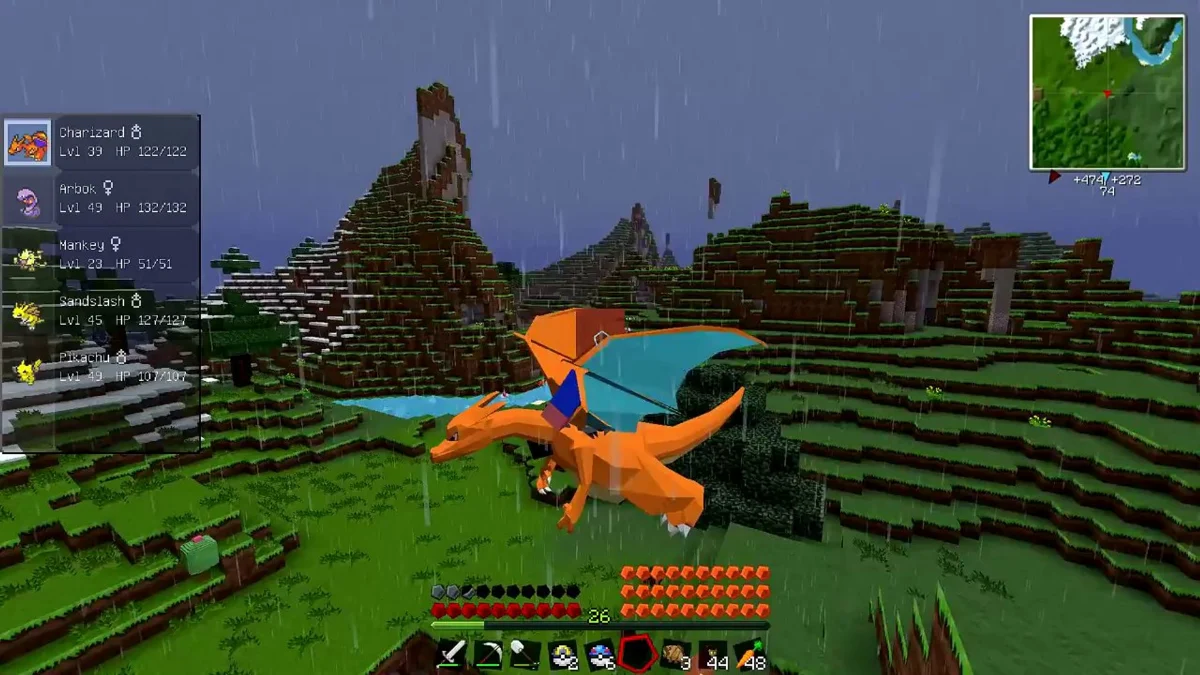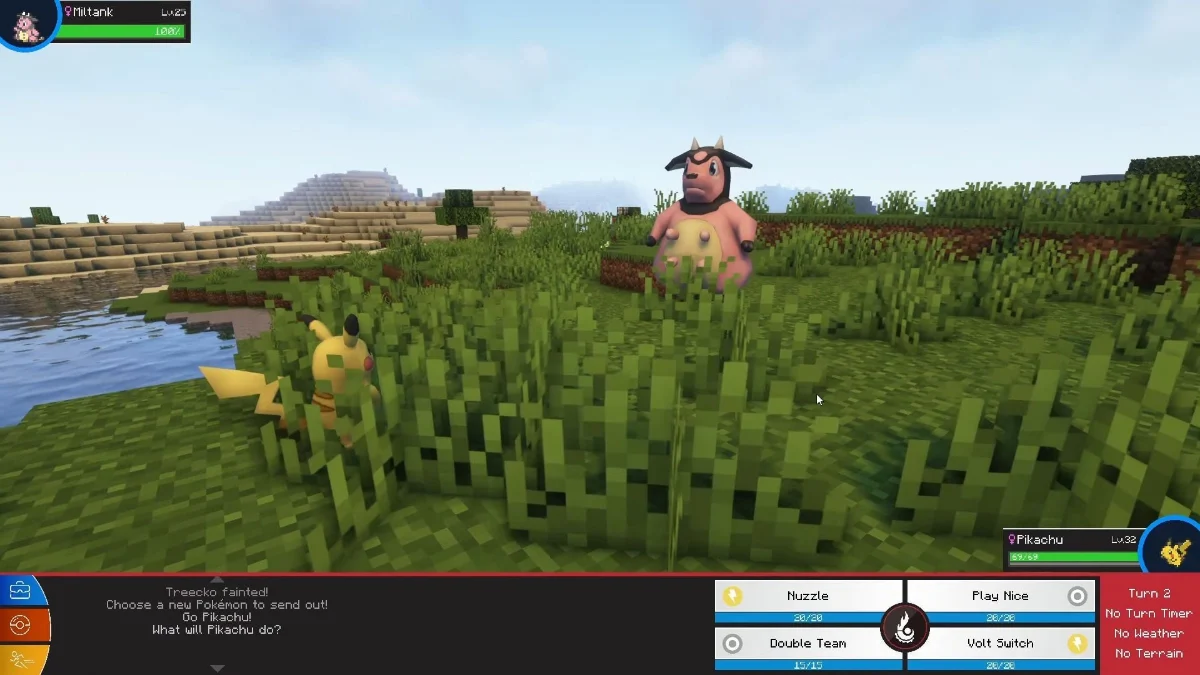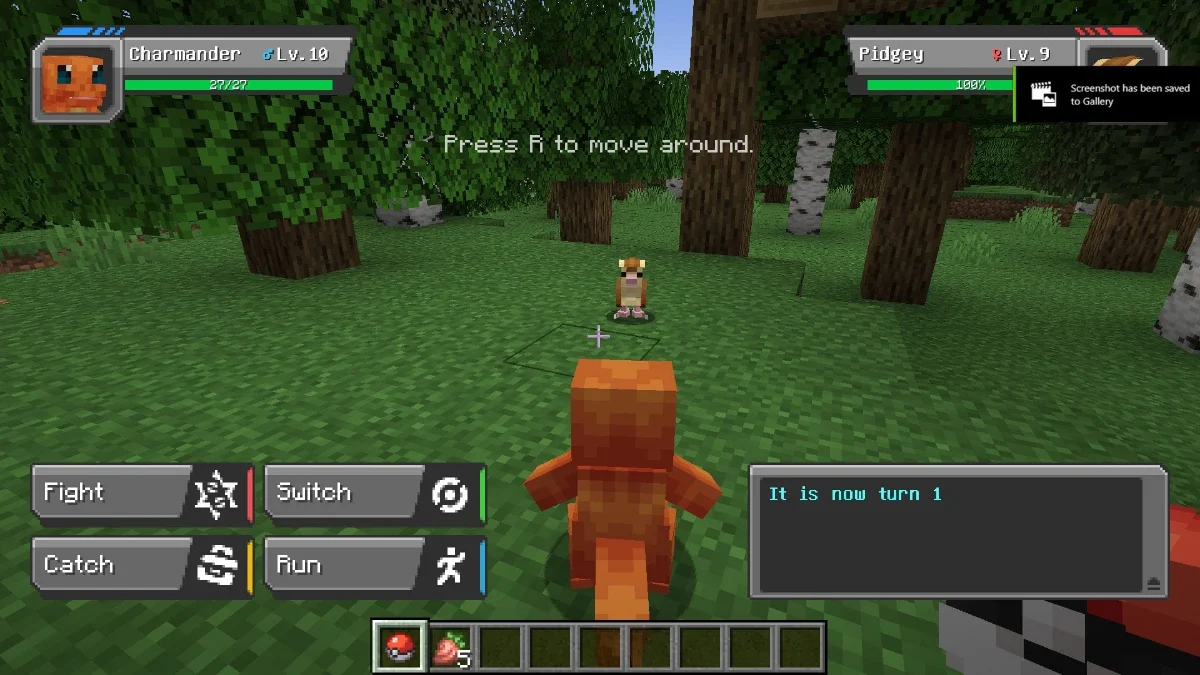
Java community modpack scenery, not an official Pocket Edition release. Image: Kesselot, Pixelmon Jenny.
"Pixelmon PE" is a search that has stuck around since the days when the mobile version of Minecraft was called Pocket Edition. Players on phones, tablets and consoles want the same creature-catching adventure that Java players enjoy. This guide explains plainly what Pixelmon PE is and isn't, why the gap exists, and what Bedrock players can safely use instead.
From Pocket Edition to Bedrock
Minecraft: Pocket Edition was renamed and merged into Bedrock Edition years ago. Today the same Bedrock engine powers phones, tablets, Xbox, PlayStation, Switch and the Windows Bedrock app. So "Pixelmon PE" in practice means "Pixelmon on Bedrock".
Why Pixelmon doesn't run on Bedrock
Pixelmon is a Java mod. It ships as a .jar file that the NeoForge loader injects into Minecraft: Java Edition. Bedrock Edition is written in C++ and does not load Java code. Bedrock instead supports add-ons — packs of data, models, textures and scripts that use Bedrock's own systems. Converting Pixelmon to an add-on would mean rebuilding it from scratch, and the Pixelmon team has not released a Bedrock version.
Mods vs add-ons
- Mods (Java): can change almost anything in the game's code — new screens, battle engines, networking, custom AI.
- Add-ons (Bedrock): work within limits Bedrock provides. They can add creatures, items and behaviours, but complex systems such as Pixelmon's turn-based battle interface are much harder to recreate.
That difference explains why Bedrock creature-collecting projects feel different from Pixelmon even when they look similar in screenshots.
Safe options for Bedrock players
Community add-ons
Several independent Bedrock add-ons offer creature catching and battles. They are not Pixelmon and are made by different creators. Check that you download from a trusted Bedrock content source, read reviews, and back up worlds before applying any add-on.
Marketplace content
The official Minecraft Marketplace has adventure maps and worlds with catching-style gameplay. Review each listing’s features, creator and compatibility; these are separate projects from the Pixelmon Java mod.
Moving to Java
If you own Bedrock on Windows, you may already own Java Edition too — Microsoft has bundled both editions for PC buyers for some time. Check your account; you might be able to play the real Pixelmon at no extra cost.
Watch for "Pixelmon PE download" scams
Because demand is high, fake downloads are everywhere: .mcaddon files labelled as official Pixelmon, APKs that claim to contain the "full mod", and video links that lead to survey walls. None of these are official. A good rule: if a page says it has the official Pixelmon for PE, it is wrong.
Why the Pocket Edition name still appears
Pixelmon PE remains a common search phrase because many players first met Minecraft on a phone or tablet when Pocket Edition was the familiar name. The phrase now often points to a wish rather than a specific release: players want Pixelmon’s catching and battles in the Minecraft edition already installed on their device. Understanding that intention helps explain why unrelated downloads appear under similar titles.
For installation, however, the current game edition matters more than the old search term. Check the product and platform information in the Minecraft app you use. Pixelmon’s Java JAR belongs to a Java loader profile. Renaming the file or placing it beside a Bedrock world does not change which engine can load it.
Compare file formats before following a tutorial
Java mods and Bedrock content packages are not alternative wrappers around the same code. A JAR contains material and code intended for the Java environment. Bedrock add-ons use their own resource and behaviour systems. Their package extensions and import processes reflect those differences. Changing an extension cannot translate a battle engine, networking system or interface into another edition.
When a tutorial describes importing a package directly into the mobile app, identify the creator and project named by that package. It may be an independent creature-catching add-on rather than Pixelmon. Evaluate the promised features of that project instead of assuming it inherits Pixelmon’s updates, support channels or compatibility. This distinction also tells you where to report a problem if the imported content does not work.
Use screenshots as examples rather than compatibility evidence
A screenshot can show a creature in a Minecraft landscape without proving which edition produced it. Mobile controls may come from a separate add-on, while a desktop image may have been reused to illustrate an article. Look for a named release, supported edition and a real project page that explains installation.
The images in this article illustrate the Java Pixelmon subject; they are not evidence of an official PE version. Visual similarities can be compelling, but support is established by the software’s documented requirements. A responsible comparison should explain whether a project recreates selected ideas or provides the same mod. Treat a claim of complete compatibility as something that needs evidence, especially when the file format already points to another engine.
Understand what a server connection cannot translate
Minecraft server access is not a substitute for the client-side systems Pixelmon needs. A connection bridge may translate some communication between editions for supported server arrangements, but it does not automatically install Java creature models, screens and mod logic into a Bedrock client. Pixelmon multiplayer expects the required modded environment on the participating Java clients.
Before attempting to join, ask the server operator which edition and client files are required. An address alone is not enough. A server that advertises creature-themed Bedrock gameplay may be running different software from a Pixelmon Java server. Following the operator’s actual instructions is more useful than assuming that every server with a familiar creature in its banner uses the same installation.
Check an add-on on its own terms
If you choose a separate Bedrock add-on, read its supported game version, feature list and world requirements. Note whether it changes existing creatures, adds new ones or supplies a complete adventure map. Those are different experiences, and none should be presented as a promised copy of the Pixelmon Java mod merely because the subject is similar.
Test new content in a fresh world or a backed-up copy. Read any requirements for resource packs, behaviour packs and experimental settings before importing it. If the project stops receiving updates, a Minecraft update may change its behaviour. Keep its documentation and creator information so that you can identify the correct support source rather than directing questions to the Pixelmon developers.
Keep a valuable Bedrock world separate
A world with a long building history deserves a cautious test process. Create a backup through the tools available for your platform before adding unfamiliar content. Keep a note of which packs are active, since removing a pack after it adds entities or blocks can affect the world. Opening the same world repeatedly with different combinations makes it harder to identify what changed.
Pixelmon itself does not turn a Bedrock save into a Java save. If you later move to Java, any world conversion is a separate decision with its own limitations. Preserve the original and avoid overwriting it with an experimental result. A new Java world lets Pixelmon generate its own environment without mixing the installation task with a difficult migration.
Move to Pixelmon Java with clear expectations
If a Windows, macOS or Linux computer is available, confirm access to Minecraft: Java Edition and choose the Pixelmon branch you intend to play. Install its matching loader and Java runtime, then place the correct JAR into the selected profile’s mods directory. Start with a test world before joining a server or adding other mods.
Your experience with building and travelling in Minecraft will still help, but the controls and mod interface may take time to learn. Begin with basic catching, storage and team management rather than trying to recreate every feature of a public server immediately. A successful first session is one in which the installation works, your progress saves and you understand how to return to the same profile.
Read download claims with a simple checklist
Before downloading anything advertised as Pixelmon PE, identify the publisher, edition, file type and supported release. If the page provides only a large download button and recycled screenshots, you still do not know what it distributes. Repeated use of the Pixelmon name is not a substitute for those details.
The Java file linked on this website has an explicit purpose and compatibility target. It is not an APK, a Bedrock import package or a console installation. Keeping those categories clear saves time and makes support requests more accurate. You can then decide whether to prepare the actual Java mod or choose a separately documented project designed for the edition you already use.
A practical edition check for families and friends
When several people want to play together, first list the edition each person uses. A phone, a console and a Java computer may all display familiar Minecraft scenery, but they do not automatically share the same mod capabilities. Establish that fact before buying content or preparing a server. A Pixelmon Java session needs compatible Java installations on the participating clients.
Next, agree on the experience you actually want. If the goal is the Pixelmon mod’s particular battle and collecting systems, prepare the documented Java setup. If the goal is simply to build together in the Minecraft edition everyone already owns, that is a separate plan. Keeping these goals clear avoids promising a mod experience that the available devices cannot provide.
Finally, keep the installation instructions with the person who will use them. The Minecraft edition, profile name and required versions are more useful than a generic download link. This simple handover makes later updates and support requests easier, and prevents someone from importing an unrelated package because its title contains the same familiar keyword.
Pixelmon FAQs
Is Pixelmon PE real?
No official version exists. Pixelmon is a Java Edition mod only.
Can Bedrock players join a Pixelmon server?
Some servers use proxies to let Bedrock players connect, but they will not see Pixelmon's models and menus properly without the Java mod.
Do I own Java Edition already?
If you bought Minecraft for PC in recent years, both editions may be on your account. Check in the official launcher.
Conclusion
Pixelmon PE is a name for something that does not officially exist. Bedrock players can enjoy community add-ons or Marketplace adventures, but the genuine Pixelmon experience is on Java Edition — and you may already own it.