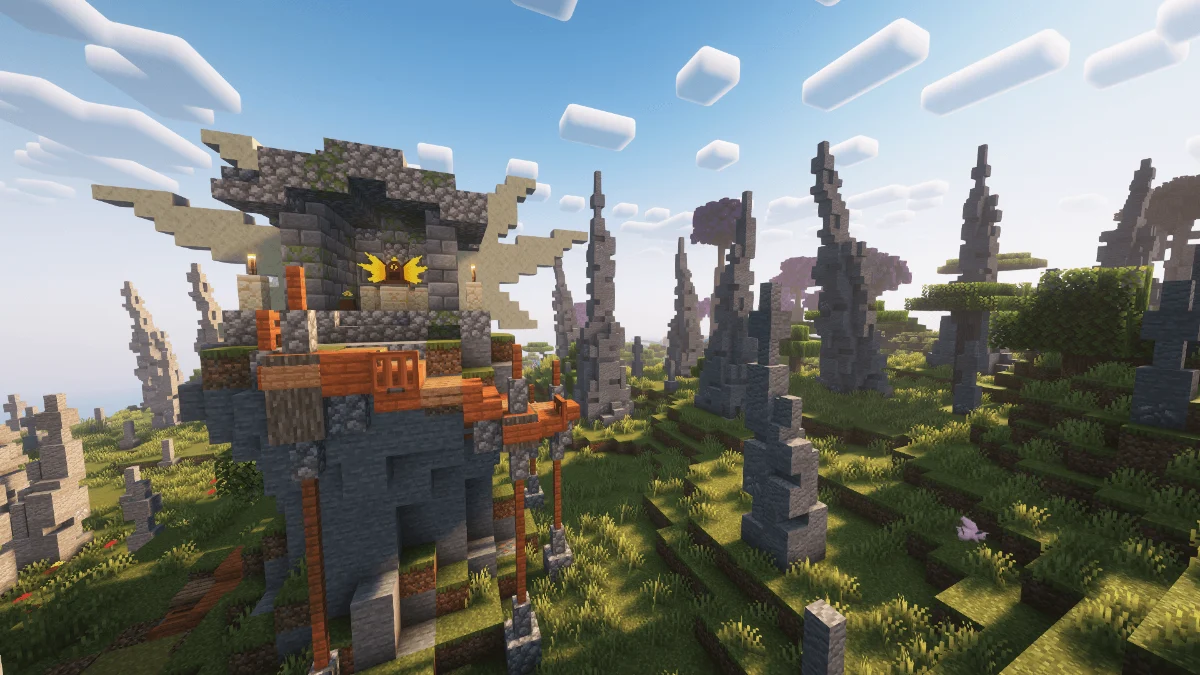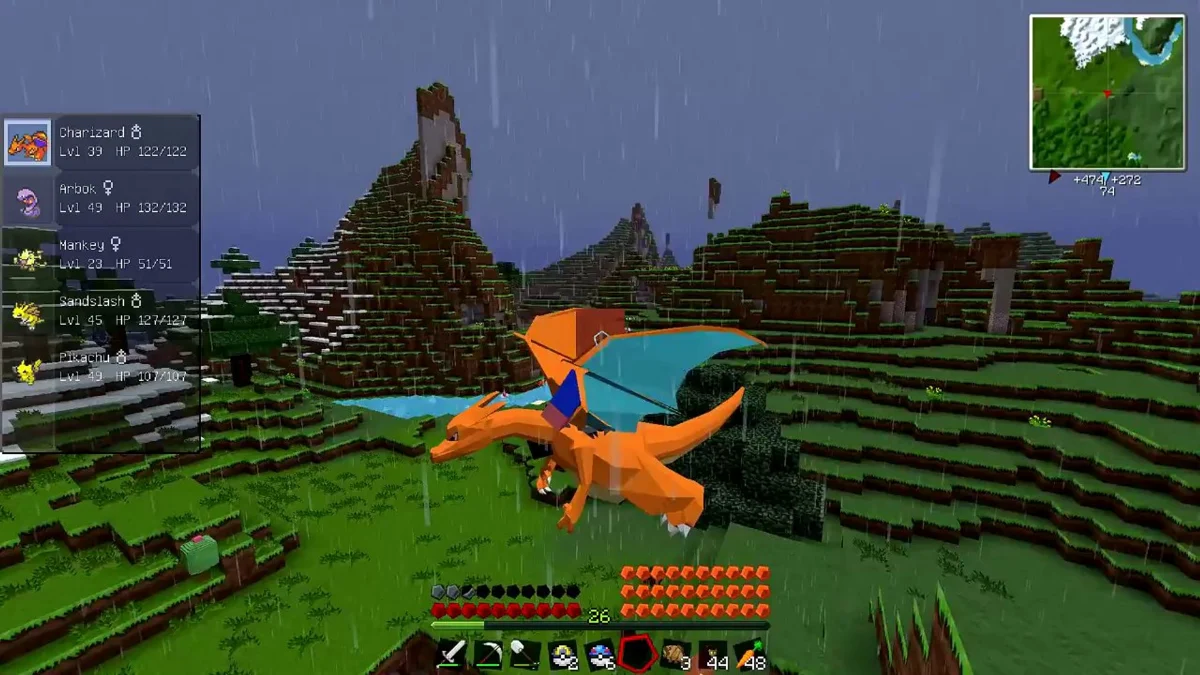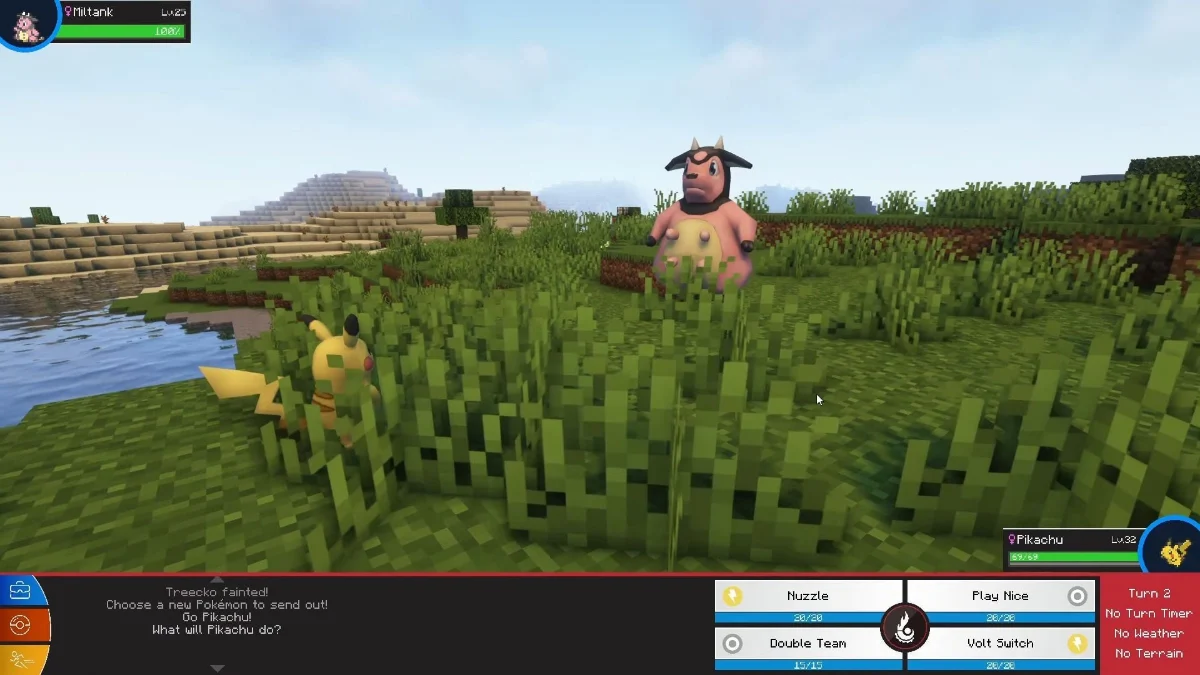
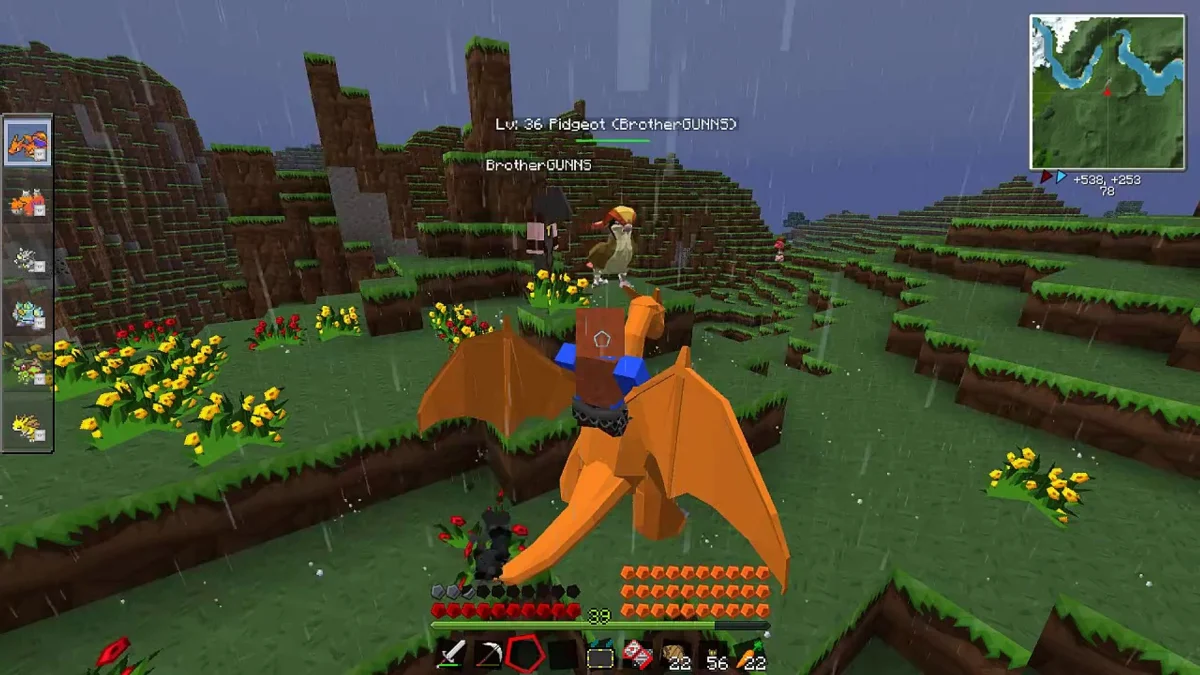
Legacy Java Pixelmon footage, not a native phone installation. Image: Dumb and Dumber gameplay series.
Pixelmon mobile is one of the most searched phrases around the mod, and the honest answer disappoints a lot of people: there is no official Pixelmon for Android or iPhone. Pixelmon is a mod for Minecraft: Java Edition, and the mobile app runs Bedrock Edition, which cannot load Java mods at all. This guide explains why, what workarounds exist, and how to avoid the fake "Pixelmon APK" files that circulate online.
Why Pixelmon isn't on mobile
Minecraft exists in two main editions. Java Edition runs on computers and supports mod loaders such as NeoForge and Forge. Bedrock Edition runs on phones, tablets, consoles and Windows, and uses a different engine written in C++. Bedrock only supports add-ons and Marketplace content built for its own system. Pixelmon's code is Java and depends on the NeoForge API, so it simply cannot run inside the mobile app.
What about Java launchers on Android?
Some community launchers can run Minecraft: Java Edition on Android devices by bundling a Java runtime. In theory these can load mod loaders too. In practice, Pixelmon is a very heavy mod: it needs several gigabytes of memory and a lot of graphics work. Even on high-end phones the experience tends to involve long loading, low frame rates, overheating and frequent crashes. These launchers are unofficial, are not supported by the Pixelmon team, and still require you to own Java Edition. On iPhone and iPad, running such launchers is far more restricted.
If you try a Java launcher on Android, use only well-known open-source projects from their official pages, and expect a hobby experience rather than a smooth one.
How to spot a fake Pixelmon APK
- Any file called "Pixelmon.apk" or "Pixelmon mod for PE" claiming to be the official mod is not genuine — no official APK exists.
- Pages that ask you to complete surveys, install a second "helper" app or enter phone numbers are scams.
- Apps that request permissions unrelated to a game (contacts, SMS, accessibility services) are a red flag.
- Videos showing "Pixelmon on mobile" are often recorded on a PC, or show a different Bedrock add-on.
Realistic alternatives for mobile players
Play on a computer, even a modest one
A mid-range laptop with 8 GB of RAM can run Pixelmon at reasonable settings. That gives you the real mod, multiplayer servers and updates.
Bedrock add-ons inspired by Pixelmon
The Bedrock community has made creature-collecting add-ons. They are separate projects, not Pixelmon, with different features and quality. Download them only from trusted Bedrock add-on sources and read the reviews.
Remote play
Some players stream their PC to their phone with remote-play software, so the game runs on the computer while they control it from the phone. It needs a good home network but lets you play the real mod from the sofa.
Pixelmon servers and Bedrock
A few servers advertise "Bedrock support" using proxy software that lets Bedrock clients join Java servers. Even then, the Bedrock player does not see Pixelmon's custom models and screens properly, because those need the mod installed on the client. Treat these claims with caution.
Check the Minecraft edition before the device
Pixelmon mobile searches often mix together two questions: whether a phone can run Minecraft, and whether that Minecraft edition can load the Pixelmon Java mod. A device may run Minecraft very well while still using an edition that does not accept Java mods. The download on this website is a JAR for Minecraft: Java Edition, so copying it into the normal Android or iPhone Minecraft app will not install it.
Start by identifying the game you actually own and launch. The edition determines the available modding system. A familiar world, account name or texture pack does not change that system. This distinction matters more than the amount of storage available on your phone, because a larger memory card cannot make the Bedrock engine load a Java mod.
Understand what a Pixelmon APK claim means
An APK is an Android application package. Pixelmon’s Java mod download is not distributed as a standalone Android application through the file provided here. A page offering an APK under the Pixelmon name is therefore offering something different from this mod file, even if its thumbnail shows recognisable creatures or Minecraft scenery.
Read what the download actually claims to install. It could be an unrelated application, an independent add-on browser or a package whose source you cannot establish. A shared keyword is not proof that the Pixelmon developers produced it. Do not assume that instructions to disable device protections or complete surveys are part of the official Java mod installation. Those steps do not make the Pixelmon JAR compatible with the mobile Minecraft app.
Distinguish remote play from a mobile installation
Remote play can display a game that is running on another computer. In that arrangement, the computer hosts Minecraft: Java Edition and Pixelmon, while the phone receives video and sends control input. The mod still runs on the computer. This is different from installing Pixelmon directly into the Minecraft app on the phone.
If you already use a suitable remote-play setup, the practical questions concern connection quality, controls and access to your own computer. Turn-based battles may be easier to manage than precise movement on a small screen, but menus, text and inventory actions still need testing. Keep expectations realistic: a clear picture on a phone does not demonstrate that an equivalent native Pixelmon mobile release exists.
Treat third-party Java launchers as a separate project
Some Android tools attempt to run Minecraft: Java Edition through a different runtime and graphics environment. That possibility is separate from the official Bedrock app and should not be described as a guaranteed Pixelmon installation route. Mod support, rendering behaviour, controls and performance can vary with the device, tool and game release.
If you investigate such a route, check the launcher’s own documentation and the requirements of the exact Pixelmon release. Do not assume that a video recorded on another phone establishes support for yours. A successful title screen is also less demanding than a long session with world generation, creature models and battles. This website’s direct download remains a Java mod file and makes no promise of support for a third-party mobile runtime.
Ask what a mobile gameplay video is showing
A short video can demonstrate that a creature-catching game exists without identifying the software underneath it. Look for the game edition, mod name, version and installation source in the creator’s explanation. Determine whether the footage is remote play, a separate Bedrock add-on, an older Java experiment or the current Pixelmon release.
Also separate visual resemblance from mechanical equivalence. Similar creature models do not establish the same moves, evolution conditions, battle rules or multiplayer protocol. If the creator omits the installation details, the clip may be entertaining but is a weak basis for a device purchase or a complicated setup. Use the actual project documentation to decide what is supported.
Prepare a desktop Pixelmon profile without losing your worlds
Players moving from a phone to a computer can still enjoy Pixelmon, but the transition involves the Java installation rather than an extension of the mobile app. Confirm that your account has access to Minecraft: Java Edition, create a matching loader profile and test Pixelmon in a fresh world. Avoid moving your most valuable save into an unfamiliar installation before confirming the basics.
Bedrock and Java worlds have different formats. A conversion tool, where one is used, is a separate process and should not be treated as part of downloading Pixelmon. Structures, entities and add-on data may not transfer as expected. Keep the untouched original world and test any conversion with a copy. Starting a fresh Pixelmon world is often the clearest way to learn its systems.
Choose a practical next step
If you have only a phone and want the exact Pixelmon Java experience, there is no useful reason to download a JAR into the normal mobile Minecraft app. Keep this compatibility limit clear and avoid spending time on repeated downloads that cannot change the edition. You can read about team building, catching and installation while deciding whether a suitable Java computer is available.
If a computer is available, first establish a working local profile there. Then decide whether remote access is worthwhile for your own network and controls. If you prefer a mobile-native creature-catching experience, evaluate that separate project on its own merits rather than expecting it to reproduce every Pixelmon feature. Clear naming makes it easier to choose something that actually fits the device you use.
Keep account access separate from mod files
Downloading a mod does not require sending your Minecraft password to an unrelated download page. Account sign-in belongs in the trusted launcher or official account process you normally use. A mobile tutorial that adds an unexplained sign-in screen deserves closer examination before you enter information. The Pixelmon JAR cannot validate an account by itself.
When asking for help, describe the device, Minecraft edition and exact software involved. Saying only Pixelmon mobile leaves several very different setups possible. These details let someone explain the actual limitation without guessing. They also prevent instructions for a desktop Java profile from being confused with steps for the Bedrock app or a remote-play client.
Pixelmon FAQs
Is there an official Pixelmon mobile app?
No. Pixelmon is Java Edition only. Any app claiming to be official Pixelmon for mobile is not genuine.
Can I play Pixelmon on an iPad?
Not natively. The only practical option is streaming the game from a PC that runs it.
Is a Pixelmon APK safe?
Files labelled as an official Pixelmon APK are fakes and can carry malware or adware. Avoid them.
Conclusion
Pixelmon mobile does not exist in an official form. If you want the real experience, play Java Edition on a computer, or stream it to your phone. Everything sold or shared as a Pixelmon APK should be avoided.