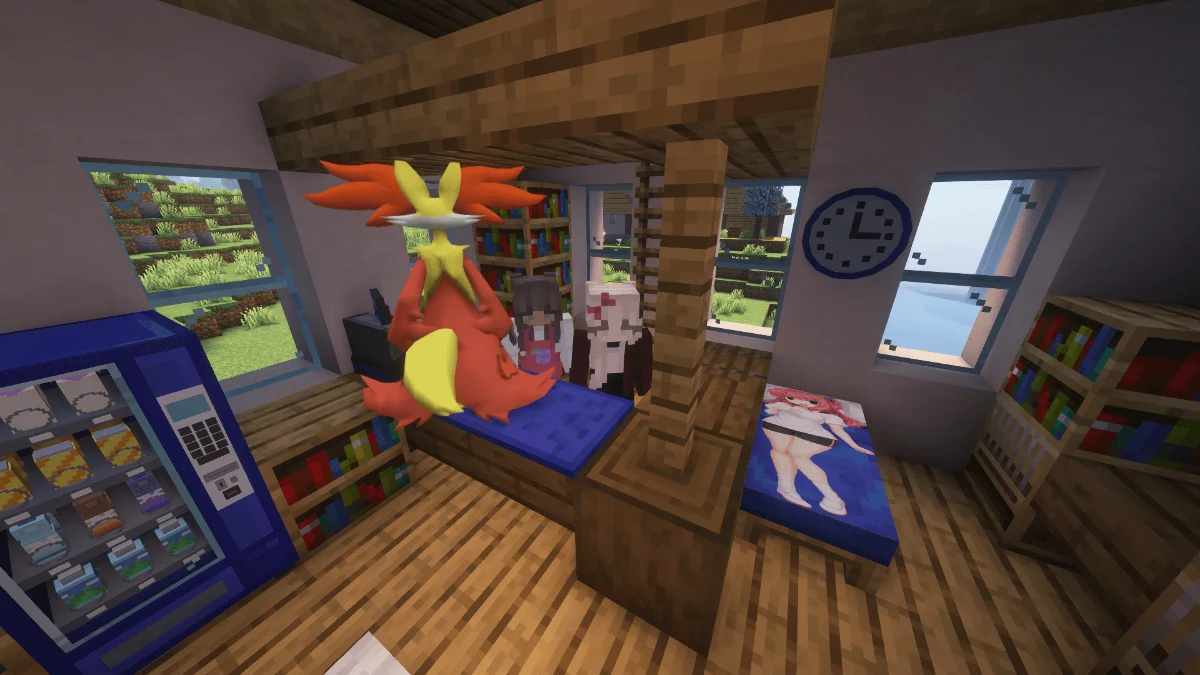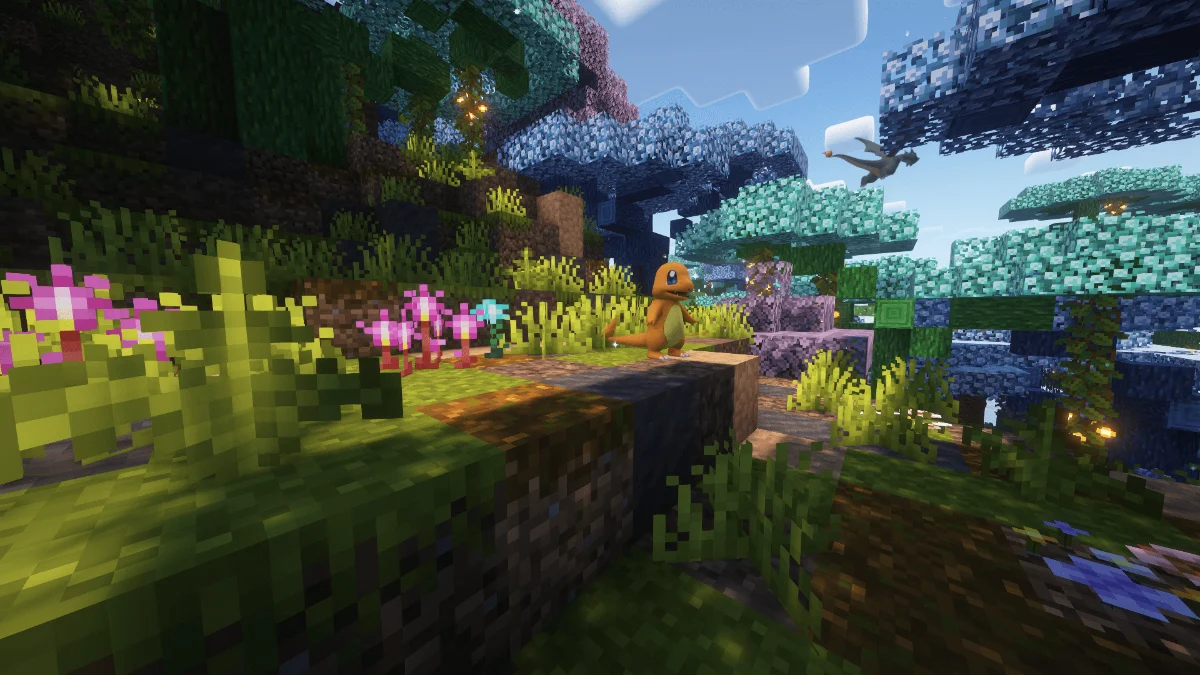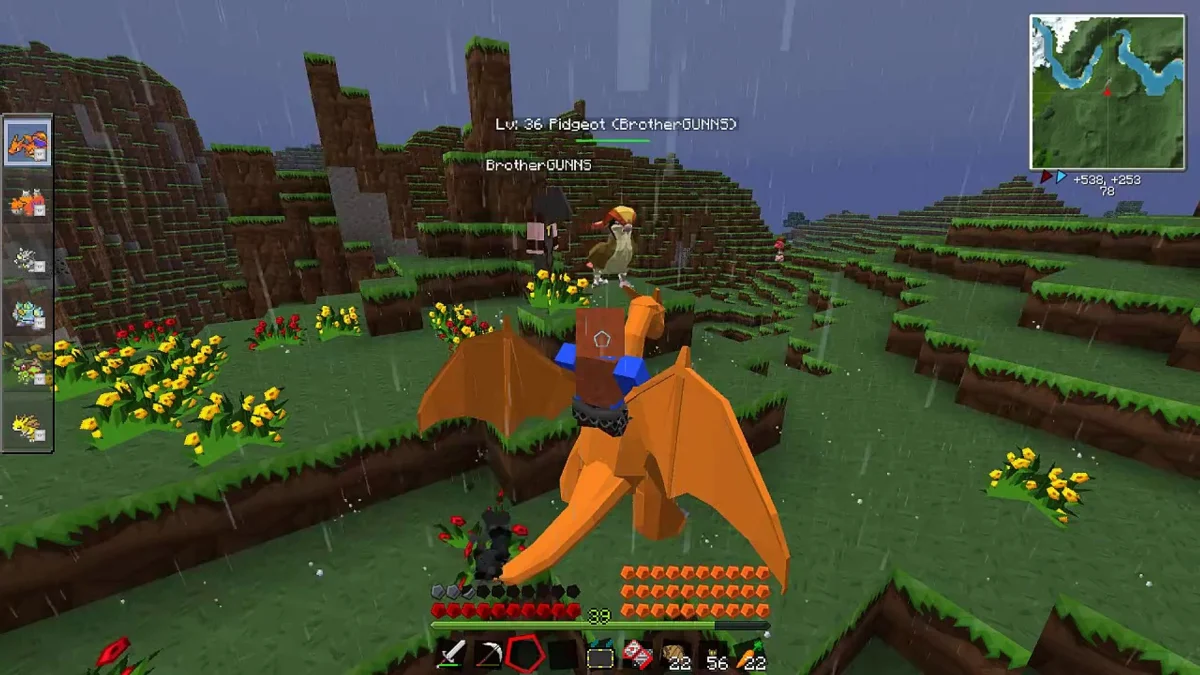
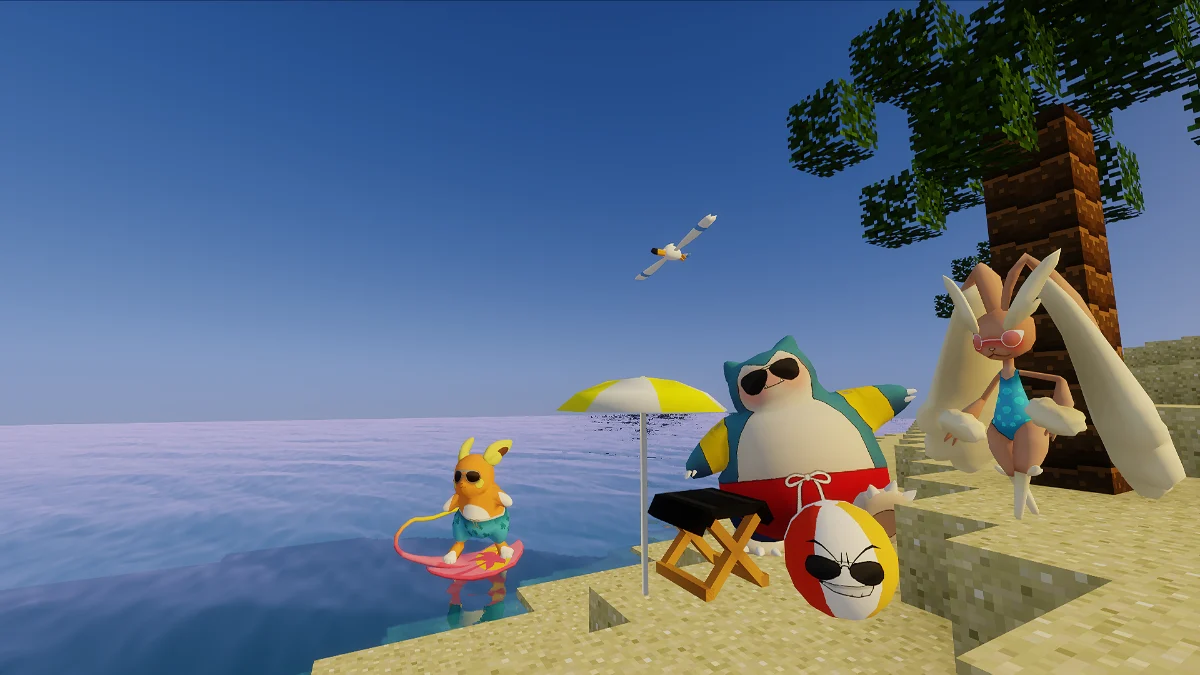
Original raster artwork from the Pixelmon project gallery. Image: Pixelmon project.
Learning how to download Pixelmon is the first hurdle for most players, and it is also where most problems start. The mod itself is free, but it lives inside a chain of other pieces — Minecraft Java Edition, a mod loader, the right Java runtime and a launcher profile. Get one link in that chain wrong and the game either refuses to open or crashes at the loading screen. This guide walks through the whole process in the order that actually works, so your first launch is a clean one.
What you need before you start
Pixelmon is a mod for Minecraft: Java Edition on Windows, macOS or Linux. It does not install on Bedrock, consoles or the mobile app, so check you own the Java edition first. You will also need:
- A matching Minecraft version. Recent Pixelmon builds target Minecraft 1.21.1. Older lines exist for 1.20.2 and 1.16.5. Every file on CurseForge lists its exact game version.
- A mod loader. Current builds run on NeoForge; earlier lines used Forge. The loader version listed in the changelog is the minimum, not a suggestion.
- Java 21 for Minecraft 1.21.1 builds (Java 17 for 1.20.2). Launchers usually bundle this, but manual installs need it on your system.
- About 4 GB of free RAM to give the game, ideally 6 GB, plus around 2 GB of disk space for the mod, assets and a few worlds.
Method 1: the CurseForge app (easiest)
For most people the CurseForge desktop app is the fastest route because it handles the loader and Java for you.
- Install the CurseForge app and open the Minecraft section. Let it create its default instance folder.
- Click Create Custom Profile, choose the Minecraft version that matches the Pixelmon file (for example 1.21.1) and select NeoForge as the loader. Pick the recommended loader version or newer.
- Open the new profile, search for Pixelmon in the mod browser and click Install. The app downloads the jar into the profile's
modsfolder. - Press Play. The official Minecraft launcher opens with the profile already selected — press Play again and wait for the first load, which is noticeably slower than vanilla.
Tip: open the profile's settings and raise allocated memory to 6 GB before the first launch. Pixelmon caches a large number of models and textures, and the default allocation is often too low.
Method 2: manual install with the official launcher
If you prefer the vanilla launcher, or you want full control over files, use the manual method.
- Download the Pixelmon jar using the download button on this site, which points to the official CurseForge file. Do not rename it.
- Download the NeoForge installer for the same Minecraft version from the official NeoForge site. Run it, choose Install client and confirm it points at your
.minecraftfolder. - Run Minecraft once with the new NeoForge profile so it creates the
modsfolder, then close the game. - Move the Pixelmon jar into
.minecraft/mods. On Windows that is%appdata%\.minecraft\mods; on macOS it is~/Library/Application Support/minecraft/mods. - Raise memory in the launcher: Installations → your NeoForge profile → More options → JVM arguments, and change
-Xmx2Gto-Xmx6G. - Launch the NeoForge profile and create a new world.
How to check your download is genuine
Because Pixelmon is popular, re-upload sites and "free download" pages are common, and some bundle adware or tampered jars. A genuine download has a few clear signs:
- It comes from CurseForge, Modrinth or the official Reforged website — never a file-sharing link or a shortened URL.
- It is a single
.jarfile, not an.exe,.apkor a password-protected archive. - The file name includes the Pixelmon version and the Minecraft version it targets.
- No site asks you to complete surveys, install a "downloader" or disable your antivirus.
Your first launch, explained
The first time you open a world, Pixelmon asks you to choose a starter. After that, wild creatures begin spawning around you depending on the biome, time of day and weather. The first load can take a minute or more while assets are cached; later launches are faster. If the screen goes white or the game freezes during the very first world creation, give it a little longer before assuming it has crashed.
Common download mistakes
- Version mismatch: a 1.21.1 jar inside a 1.20.2 profile will not load. Match all three — Minecraft, loader and mod.
- Wrong loader: Fabric and Quilt cannot load Pixelmon. Use NeoForge (or Forge for older lines).
- Old Java: crashes that mention "class file version" almost always mean the Java version is too old.
- Mixed mods: other mods dropped into the same folder may be built for a different version. Start with Pixelmon alone, then add extras one at a time.
Downloading Pixelmon for a server
Pixelmon must be installed on both the server and every player's client, using the same version. Install the NeoForge server with the installer's Install server option, place the same Pixelmon jar in the server's mods folder, accept the EULA and start it with at least 6 GB of memory. Many hosting companies also offer one-click Pixelmon installs that set this up for you.
Choose the file before changing your launcher
Pixelmon installation is easier when you begin with a clear target. Write down the Minecraft version, Pixelmon release and loader listed together on the file page. For the download offered here, that combination is Minecraft 1.21.1, Pixelmon 9.4.2 and NeoForge. These are separate components, and a matching name alone does not establish compatibility. A file intended for Minecraft 1.16.5 cannot simply be placed inside a 1.21.1 profile.
If your aim is to join friends, ask for their server’s required versions before downloading anything. A server may intentionally remain on an older release. Installing the newest file in that situation creates a mismatch rather than an improvement. Keep the server’s mod list or installation instructions beside you, and compare each required component with your profile before launching.
Understand what the direct download contains
The download button delivers the Pixelmon JAR from the publisher’s distribution infrastructure. A JAR is the mod file, rather than a complete Minecraft installer. Save it to a location you can recognise and move it into the mods folder belonging to your chosen profile. You do not need to open the archive or unpack its contents. Opening it with an archive program does not install Pixelmon.
Your browser may ask whether you want to keep this file type. Check that the filename and source match the intended download before responding. A completed download should remain a JAR, not an HTML page saved with a different extension. If the transfer stops, remove the incomplete file and retry from the source. Keep only one copy of the intended Pixelmon release in the active mods folder.
Find the profile folder that Minecraft actually uses
Separate launcher profiles can have different game directories. This is useful because it keeps Pixelmon apart from unrelated modpacks, but it also explains a common mistake: putting the correct JAR into the wrong mods folder. Use the launcher’s option to open the selected instance or game directory. Then check that you can see that profile’s configuration, logs and saves alongside its mods folder.
When working manually, launch the matching loader once before adding Pixelmon. This helps establish the directory and confirms that the base installation starts. Close the game fully, add the mod and launch the same profile again. If Pixelmon is absent from the mod list, check the profile name and directory before downloading another copy. Repeated downloads will not repair a directory mistake.
Make your first launch a controlled check
Use a new test world for the first launch. The purpose is to confirm that Minecraft reaches the title screen, Pixelmon appears in the mod list and a fresh world loads correctly. Avoid adding shaders, a large resource pack and several extra mods at the same time. When many things change together, a failure becomes harder to explain.
Give the first loading screen time to finish, particularly on a computer with slower storage. Watch for an actual crash message rather than assuming that a brief pause means the application has failed. Once the test world opens, check the starter selection, visible creatures and basic movement. Leave the world normally, return to the title screen and reopen it to confirm that the installation can save and load.
Record a working installation before adding extras
A working baseline is valuable. Note the launcher profile, Java runtime, memory allocation and installed file versions while the installation is simple. If you later add a minimap or another compatible mod, introduce one change at a time. Test it in the same disposable world before opening a valuable save. Compatibility depends on behaviour as well as the Minecraft and loader labels.
Before updating Pixelmon, copy the complete profile or at least the world and relevant configuration files. A backup stored inside a folder you are about to replace is easy to lose. Keep a clearly dated copy elsewhere. Do not assume that an updated world can be opened safely by an older release; test any intended rollback with a separate copy instead.
Resolve download problems without changing the file
If the download does not begin, check whether your browser has blocked a transfer or whether the network interrupted it. Try the publisher’s file page to confirm that the release still exists. Do not solve a failed transfer by substituting a file from an unrelated mirror. The same title and thumbnail can be copied onto a different upload.
If Minecraft crashes after a successful download, the transfer is no longer the first thing to investigate. Check the game version, loader, Java runtime and duplicate JARs. Open the profile’s latest log and look for the first meaningful error rather than the last line alone. Save a copy of that log before trying another configuration, since the next launch may overwrite useful evidence.
Pixelmon FAQs
Is it free to download Pixelmon?
Yes. The mod is free. You only need a legitimate copy of Minecraft: Java Edition.
Can I download Pixelmon without the CurseForge app?
Yes. Download the jar from the file page and install it manually with NeoForge, as described in Method 2.
Why does my game crash right after installing?
Usually a version mismatch or old Java. Check that the Minecraft version, loader version and Pixelmon file all line up, and that Java 21 is installed for 1.21.1 builds.
How big is the Pixelmon download?
The jar is large compared with most mods because it carries thousands of models and sounds. Plan for roughly 2 GB of space once worlds and caches are included.
Conclusion
Downloading Pixelmon comes down to three matched pieces: the right Minecraft version, the right loader and the official jar. Use the CurseForge app if you want the simplest path, or the manual method if you like control, and stay away from repackaged downloads. Once it loads, choose your starter and start exploring.