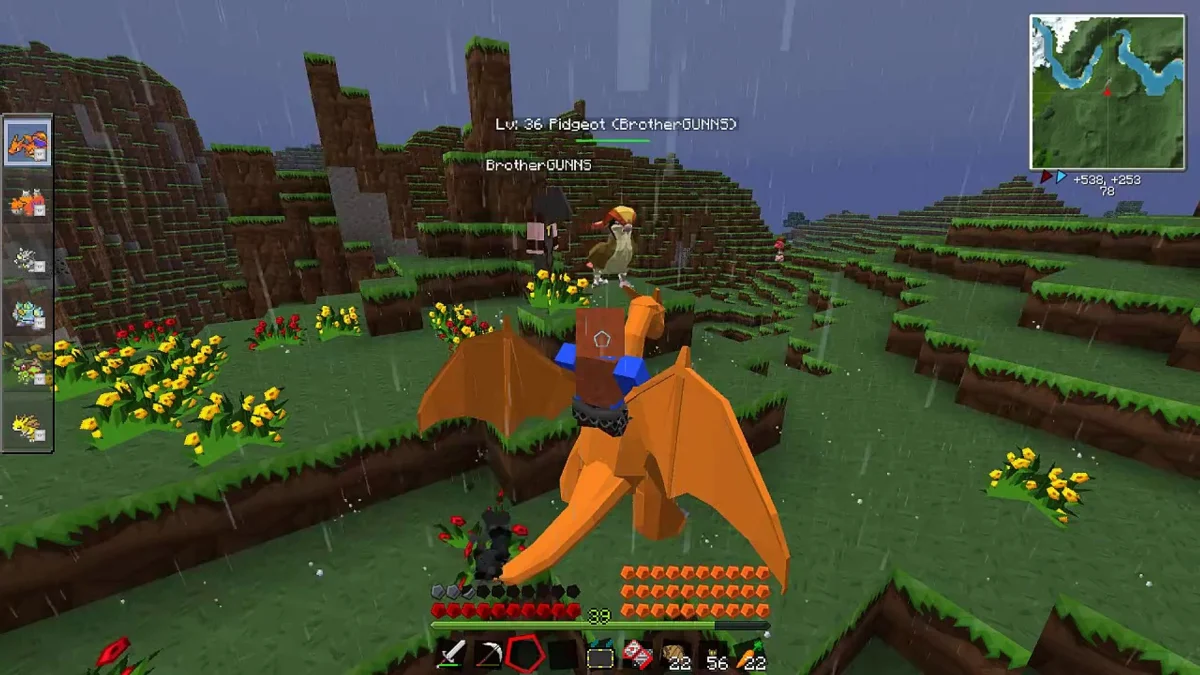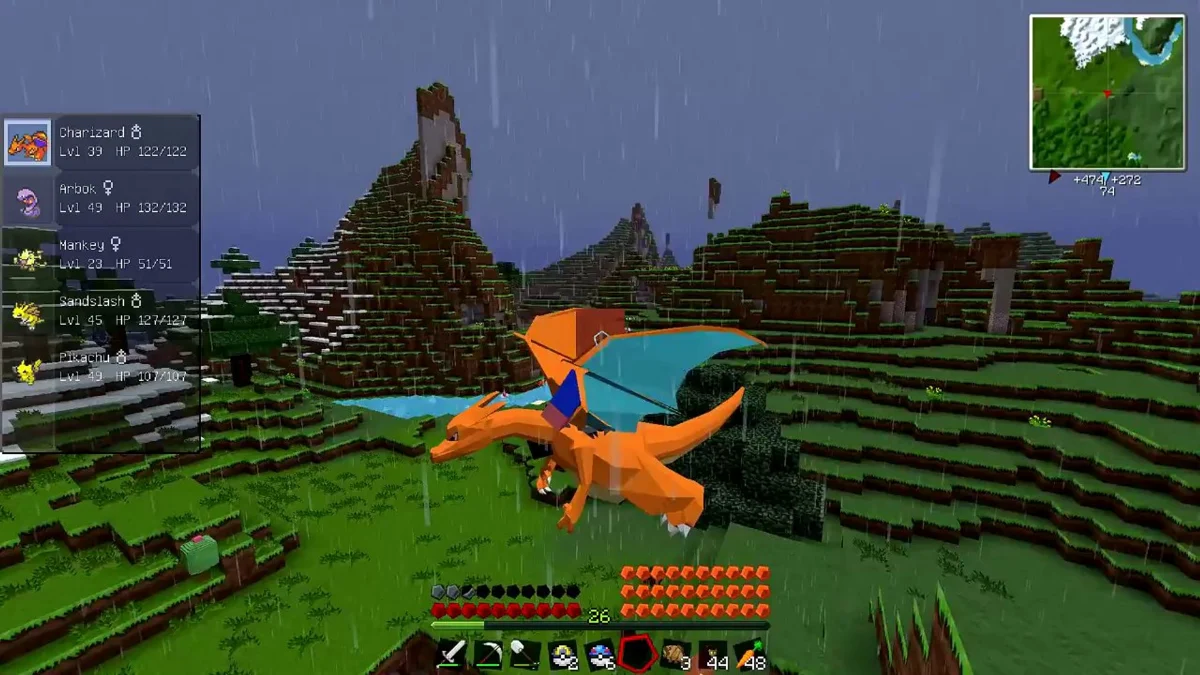
Java Pixelmon community modpack screenshot with custom visual settings. Image: Kesselot, Pixelmon Jenny.
Sooner or later every player opens the Pixelmon Wiki. Pixelmon adds hundreds of creatures, dozens of blocks and items, special spawning rules and a long list of commands, and nobody memorises all of it. Knowing how to use the wiki well saves hours of wandering. This guide explains what the wiki covers, how to search it efficiently, and which questions you can answer without leaving the game.
What the Pixelmon Wiki covers
The official wiki is maintained by the Pixelmon community and linked from the official Reforged website. Its main areas are:
- Creature pages — biomes, times and rarity for spawning, plus evolution methods, held-item drops and level ranges.
- Items and blocks — crafting recipes for balls, healers, PCs, trade machines, apricorn trees, mechanical anvils and decorative blocks.
- Mechanics — battles, status effects, breeding with the day care, mega evolution, shrines and legendary spawning.
- Commands and permissions — the full list of admin and player commands with syntax.
- Server configuration — what each option in the Pixelmon config files changes.
Always check the version tag
Pixelmon has changed a lot between versions. Recipes, spawn rules and config options from the 1.12.2 era often differ from the 1.16.5 and 1.21.1 lines. Before trusting a page, look for the version note near the top. If a recipe on the page will not work in your crafting table, the page is probably describing a different version.
How to find things fast
- Search the exact name of the creature, item or block. Partial words often land on disambiguation pages.
- Use the spawn section of a creature page rather than general guides — it lists biomes and conditions such as night-only or rain.
- Open the "Crafting" page for an overview of every recipe in one place when you are setting up a base.
- Bookmark the Commands page if you run a server; you will revisit it constantly.
Answers you can get without the wiki
Several common questions can be solved inside the game:
- Recipe viewers. A recipe-viewer mod shows every Pixelmon recipe in-game, including machine recipes. It is the fastest way to check how to craft something on your exact version.
- The in-game dex. Pixelmon's own dex screen records what you have seen and caught, and shows details for each entry.
- Tab completion. Typing the start of a command and pressing Tab shows valid options, which helps when you forget syntax.
Popular wiki topics
Spawning and biomes
Pixelmon ties spawning closely to vanilla biomes. Water types appear near oceans and rivers, cave dwellers underground, and rarer creatures may need specific weather or time. If you are hunting one species, read its spawn entry first and travel to the matching biome rather than waiting at home.
Evolution
Most creatures evolve by level, but others need a held item, an evolution stone, a trade or high friendship. The wiki lists the exact condition on each page, which avoids grinding levels for an evolution that actually needs a stone.
Legendary spawns
Legendaries spawn on a timer with a percentage chance, and some are tied to shrines or special items. Server admins can tune both in the config. Players often ask about this on servers, so knowing where the setting lives is useful.
Unofficial wikis and copies
Search engines often show mirror sites that copy wiki pages and wrap them in ads. These copies are frequently out of date. If something looks wrong, open the page from the link on the official Reforged site instead.
Turn a vague problem into a useful search
Pixelmon offers many connected systems, so a useful wiki search begins with the task you are trying to complete. A species name helps when you need an evolution method, while an item’s exact name helps when you need its recipe or use. Searching for a broad phrase such as best creature can lead to opinion rather than the mechanical detail you need.
Write the question in practical terms. If a creature does not evolve, identify the species, its current form and the condition you expected to trigger. If an item cannot be crafted, note the recipe you tried and your installed version. These details help you recognise the relevant part of an article and avoid following a section about a different form, branch or gameplay system.
Read spawn conditions as a set
Spawn information is more useful when its conditions are read together. A biome label may be only one part of an encounter. Time, weather, terrain, height and special requirements can also matter, depending on the species and release. Travelling to the right landscape does not necessarily satisfy every condition shown in a spawn table.
Before spending a long session searching, compare the entire entry with the place where you are playing. Confirm whether the article distinguishes forms or variants. On a server, ask whether the operator has changed spawning rules. A server configuration can legitimately produce a different experience from the default described on the wiki. Record those differences rather than concluding that the published table is automatically wrong.
Separate crafting ingredients from acquisition methods
An item page may discuss several ways to obtain the same object. A crafting recipe, shop purchase, creature drop and structure reward are different routes. Check which route the article actually describes before gathering materials. If a recipe is absent, do not assume that the item can be crafted simply because another item in the same family has a recipe.
Version differences also affect crafting instructions. Compare the item name, recipe layout and ingredients with your installed release. An in-game recipe viewer can help where available, but it should be used alongside the current item information rather than as a substitute for understanding the result. If a server changes recipes, its own documentation becomes part of the answer.
Use evolution pages to identify the missing condition
Evolution requirements can involve more than reaching a familiar level. Depending on the species, an item, friendship value, trade, time or other condition may be involved. Read the entry for the exact species and form rather than borrowing a method from a related creature. The familiar appearance of an evolution line does not mean that every stage follows the same rule.
Make a short checklist from the relevant entry. Confirm the required condition, the action that triggers evolution and any restrictions stated for that form. Then test one change at a time. This method is less wasteful than using several rare items without knowing which condition was missing. If the result still differs, note the release and server settings when asking for help.
Distinguish reference commands from player permissions
A command reference can explain syntax without promising that every player may use the command. Single-player worlds, locally hosted servers and public servers can have different permission settings. Some commands are intended for administrators, testing or world setup. A public server may disable them or reserve them for staff.
Before entering a command, read its purpose, arguments and permission notes. A placeholder in an example usually needs to be replaced with a real value rather than copied literally. Avoid running administrative or world-changing commands in a valuable save simply to discover what they do. Use a test world where appropriate, and ask the server operator about permissions instead of looking for a way around them.
Build a small reference list for your own play
You do not need to memorise the entire Pixelmon wiki. Keep a small set of pages that match your current goals: the species you are training, the resources your base needs and the mechanics you are learning. A focused reference list makes it easier to return to the exact answer without repeating a broad search every session.
For a team-building project, note the role of each creature and the relevant move, ability or item pages. For a building project, note the machines and materials you need before starting a long gathering trip. This turns reference reading into a practical plan while leaving room to change your goals as you discover new parts of the world.
Check whether an answer applies to your world
A wiki page is a reference, and your world is a particular installation. Differences can arise from an older release, a sidemod, a resource pack or server configuration. When an answer appears wrong, compare these layers before repeating the same action. Read the article’s wording carefully; a possibility is different from a guaranteed outcome.
For a useful support report, include the page title, the specific claim you followed and what happened in your world. Add your Pixelmon and Minecraft versions and whether the world is local or hosted by someone else. A clear comparison helps maintainers or server staff investigate the actual discrepancy. It also helps you decide whether you need a corrected instruction, a configuration explanation or simply more suitable conditions.
Pixelmon FAQs
Is the Pixelmon Wiki official?
Yes — the official wiki is linked from the Reforged website and maintained by the community around the mod.
Why doesn't a wiki recipe work for me?
The page is probably written for a different Pixelmon version. Check the version note and use a recipe viewer in-game to confirm.
Where are Pixelmon commands listed?
On the wiki's Commands page. In-game, tab completion also shows valid arguments.
Conclusion
The Pixelmon Wiki is the most complete reference for the mod, as long as you check the version tag and stick to the official pages. Pair it with an in-game recipe viewer and you will rarely be stuck for long.