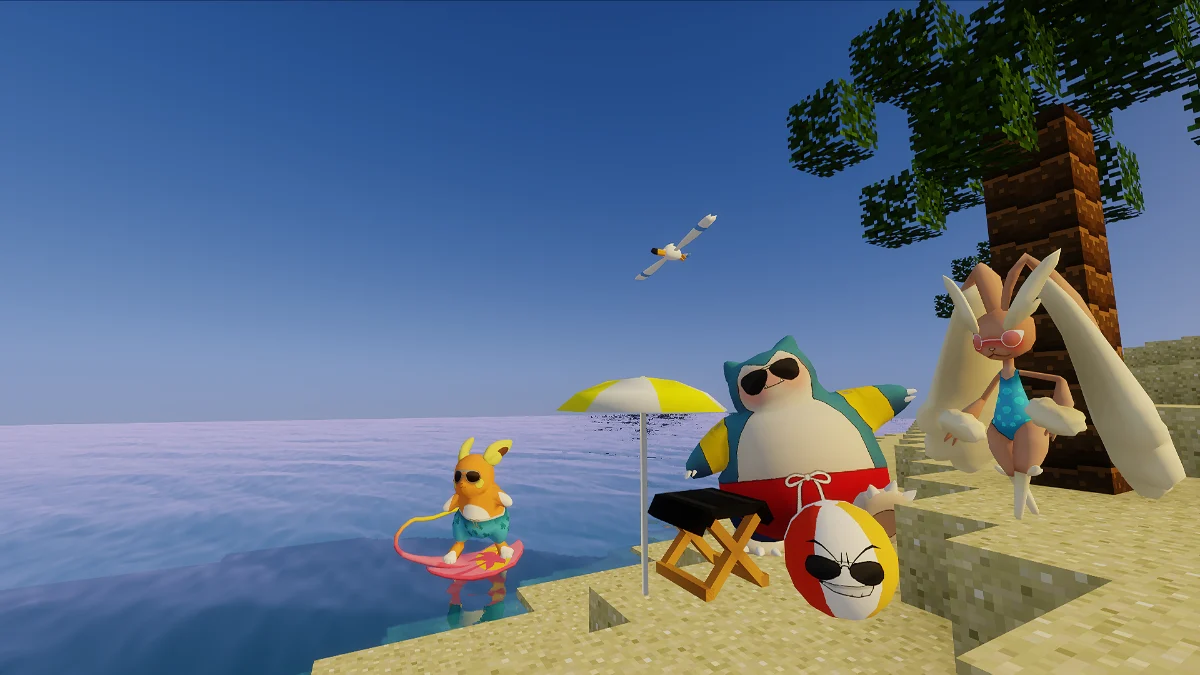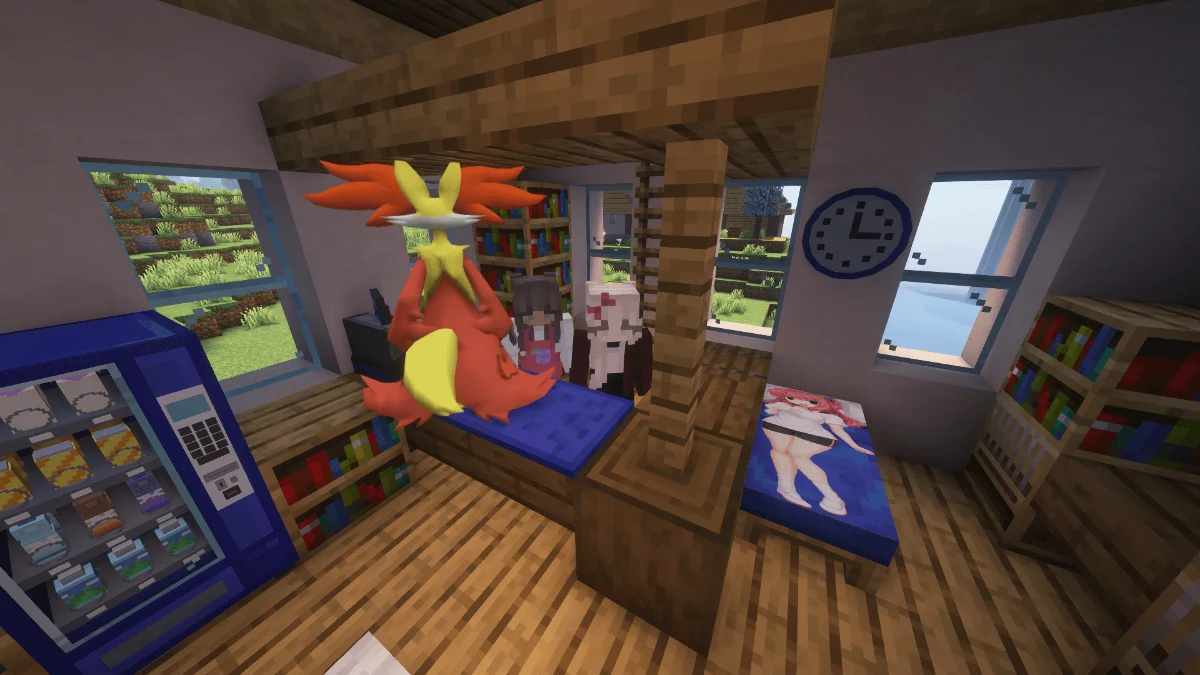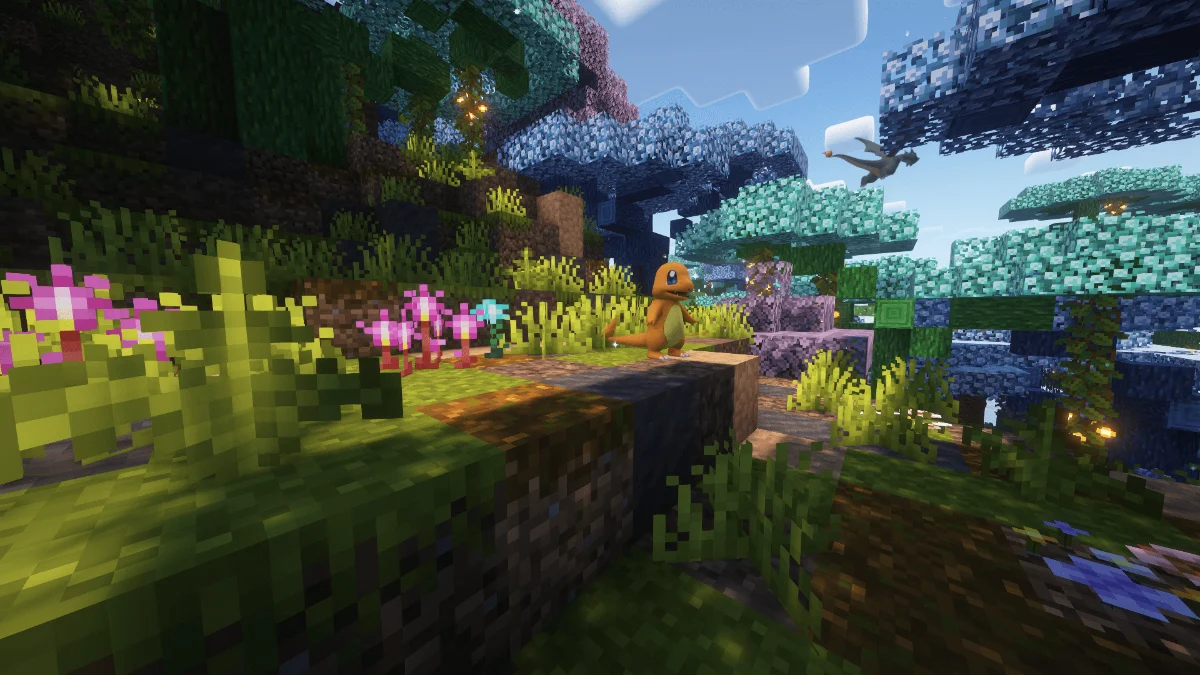
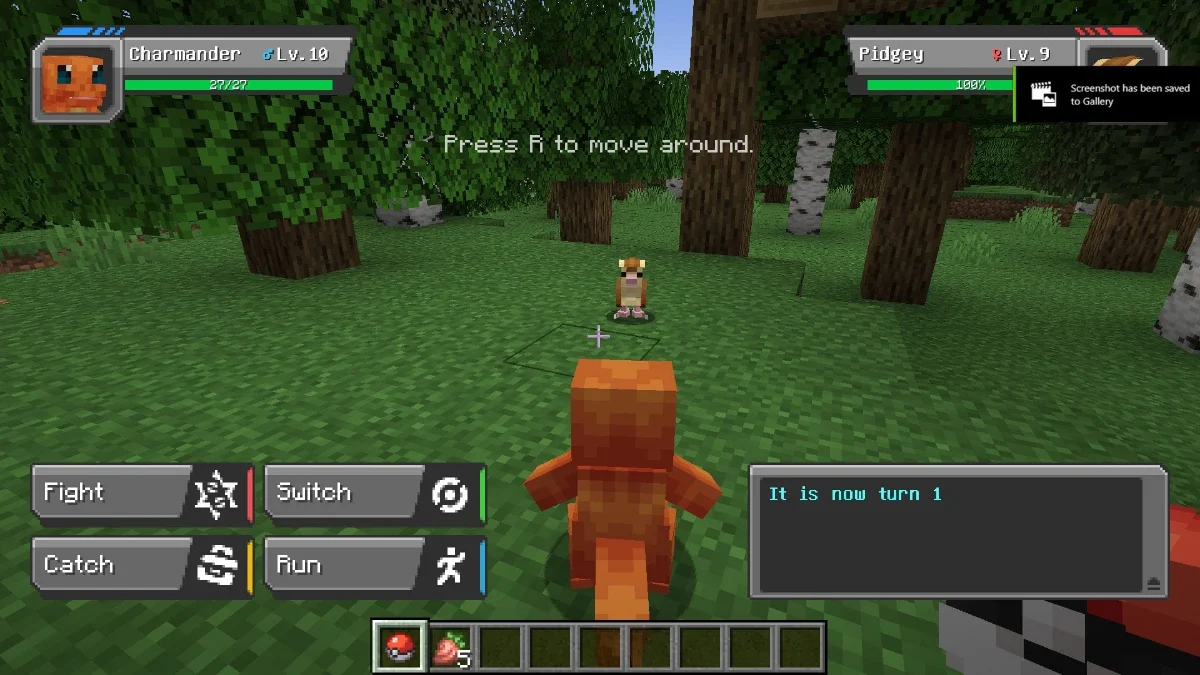
Authentic Pixelmon gameplay illustrates the project discussed in this branding article. Image: Gameplay image via Sportskeeda.
The Pixelmon logo is instantly recognisable to anyone who has browsed Minecraft mods: a white flame rising out of a gear-edged circle, outlined in warm orange and set against a bold red. It appears on the mod's download pages, server lists and countless YouTube thumbnails. This guide looks at the design, what each element suggests, and how to use the logo responsibly if you run a server or make content.
The elements of the logo
The flame
The tall, curling flame gives this version of the mark a strong upward shape. Its visual effect can be described, but it should not be treated as an official explanation of the designer’s intent.
The orb
At the centre sits a circular orb with a horizontal band — a nod to the capture devices at the heart of the creature-collecting genre, kept simple enough to read at small sizes.
The gear
The toothed outline frames the circular base and provides a recognisable silhouette. Associations with engineering are a viewer’s interpretation, rather than a documented statement about the project’s branding.
Colours
The logo works in a tight palette: a strong red background, white for the main shapes, amber-orange outlines and dark accents in the orb. This site borrows the same family — a deep red, a warm amber, a calm steel blue and an off-white — so the design feels connected to the mark it represents.
Why it works at small sizes
Logos for mods mostly appear as small square icons in launchers and on file pages. The Pixelmon mark uses big, simple shapes with high contrast, so it stays readable at 32 pixels — a good lesson for anyone designing their own server icon.
Using the Pixelmon logo on your server or channel
The logo represents the Pixelmon project, so treat it with care:
- Don't imply official status. Using the logo so your server looks like the official Pixelmon server misleads players.
- Don't alter it and pass it off as yours. Create your own server branding and mention "running Pixelmon" in text instead.
- Credit the project when you feature the mod in videos or articles, and link to the official download source.
- Check the project's own rules. The official website and community channels are the right place to ask about logo usage.
Remember that the creatures and names from the Pokémon series belong to their rights holders. Pixelmon is a fan project, and the same respect applies to anything you build around it.
Designing your own Pixelmon server icon
- Start at 64 × 64 pixels — the size Minecraft uses for server icons.
- Pick two or three bold colours and one simple shape that represents your server's theme.
- Avoid tiny text; it turns into noise at icon size.
- Save as
server-icon.pngin your server's root folder and restart.
Separate project identification from visual interpretation
The Pixelmon logo helps readers identify the project when browsing articles, launchers and community discussions. A description of its shapes and colours is a visual interpretation, rather than an official statement about the designers’ intentions. Unless the project publishes a design explanation, it is better to describe what is visible than to invent a symbolic history for every detail.
This distinction matters for an information website. Readers may arrive looking for the actual mod download rather than a branding essay. A clear Pixelmon name, an accurate project reference and an independent-site notice help them understand what they are viewing. Decorative similarity should never carry the whole burden of explaining which organisation created a page or which file a button downloads.
Recognise a project through more than its icon
An icon is easy to copy. When choosing a Pixelmon download, check the publisher identity, release details and links to the project as well as the picture. A page displaying a familiar mark can still offer a different modpack, an outdated file or unrelated content. The installation requirements provide stronger practical evidence than visual familiarity alone.
Look for an exact Minecraft version, loader and release filename. Read the description to establish whether you are downloading the core mod or a pack containing additional components. These checks are especially useful in search results where small images and short titles make several projects look similar. The logo can help you recognise the subject, while the surrounding details establish what is actually being offered.
Give an independent server a clear identity
A Pixelmon server can have its own name, community and visual style while accurately stating that it runs the mod. This helps players distinguish the server operator from the developers of Pixelmon itself. Use an original server icon and explain the mod relationship in ordinary text rather than relying on a copied project mark to imply authority.
The same principle applies to tournament posters, community pages and video channels. State who runs the event or publishes the content. If the Pixelmon name appears in a title, make the role clear through the description and surrounding branding. Readers should be able to tell whether they are looking at project documentation, a server invitation or an independent article without investigating hidden footer text.
Keep article imagery honest about its purpose
A cover image should help a reader understand the topic. For Pixelmon articles, an authentic gameplay image can illustrate the mod without pretending to be a newly designed official badge. Describe the scene in its caption and keep the source information. A desktop screenshot used in a mobile compatibility article should be labelled as Java gameplay rather than presented as proof of a phone release.
Do not alter an image to hide an existing creator credit or make a third-party server appear to be the Pixelmon project itself. A clean presentation comes from careful selection and a useful caption. If a screenshot shows an older interface or a community pack, acknowledge that context rather than claiming it depicts the exact current default installation.
Prepare raster images for a readable website
Raster images store a grid of pixels. Their clarity depends on the dimensions of the source and the size at which they are displayed. A small launcher icon enlarged across a wide article header may look blurred, even if its colours are correct. Use a suitably sized source for the intended position and avoid promising detail that the original file never contained.
WebP can reduce transfer size while preserving a useful visual result. Conversion changes the encoding, however, rather than creating new detail or establishing permission to use an image. Keep the aspect ratio appropriate for the source and inspect the converted result at the size readers will see. A smaller file is useful only if the important information remains clear.
Write alternative text for the image’s actual role
Alternative text should explain meaningful image content to a reader who cannot see it. For a gameplay cover, describe the relevant Pixelmon scene in a short sentence. Repeating a long list of search keywords is less helpful than explaining what the screenshot shows. If the image acts as a home link, its accessible name should explain that destination.
Decorative repetitions may need no additional spoken description when nearby text already supplies the same information. A site header that repeats the Pixelmon name beside a small logo should avoid creating a confusing sequence of redundant labels. The aim is a clear reading experience, with enough detail to understand the image’s purpose and no unnecessary demand to hear the same brand name several times.
Review rights questions separately from design quality
A mark can be attractive and recognisable without being available for every intended use. The project’s published rules and the rights holder’s permission are separate from an observer’s design opinion. Crediting an image does not automatically answer every question about copying, alteration or commercial branding. This article describes practical presentation choices and does not grant permission on behalf of another creator.
If a planned use could make an independent service appear official, reconsider the presentation and seek the relevant permission where necessary. Original community branding and a plain statement that the server runs Pixelmon are often clearer for players. Keep records of image sources and any permissions you obtain so that future page revisions do not lose that context.
Use consistent naming across the Pixelmon website
The exact spelling Pixelmon should remain consistent in headings, article text, image descriptions and metadata. A consistent name makes the site easier to read and helps distinguish it from accidental variants. Avoid presenting the website’s domain as though it were the official project name. The domain belongs in technical page addresses and the specific links where it is needed.
Consistency also involves the relationship statement. An independent information page should not use an official-looking badge in one place and quietly disclaim affiliation somewhere readers are unlikely to notice. Keep navigation, article captions and footer language aligned with the actual role of the website. Clear naming gives the logo useful context and leaves less room for visitors to misunderstand who provides the information.
Pixelmon FAQs
What does the Pixelmon logo show?
A white flame rising from an orb inside a gear-edged circle, outlined in orange on a red background.
Can I use the Pixelmon logo for my server?
Don't use it in a way that suggests your server is official. Make your own branding and mention that you run Pixelmon.
What colours are in the logo?
Primarily red, white and amber-orange with dark accents.
Conclusion
The Pixelmon logo packs the whole idea of the mod into one mark: adventure, collecting and the engineering that makes it possible. Admire it, reference it fairly, and give your own projects an identity of their own.